Build a mobile app with a0.dev: complete guide and limits
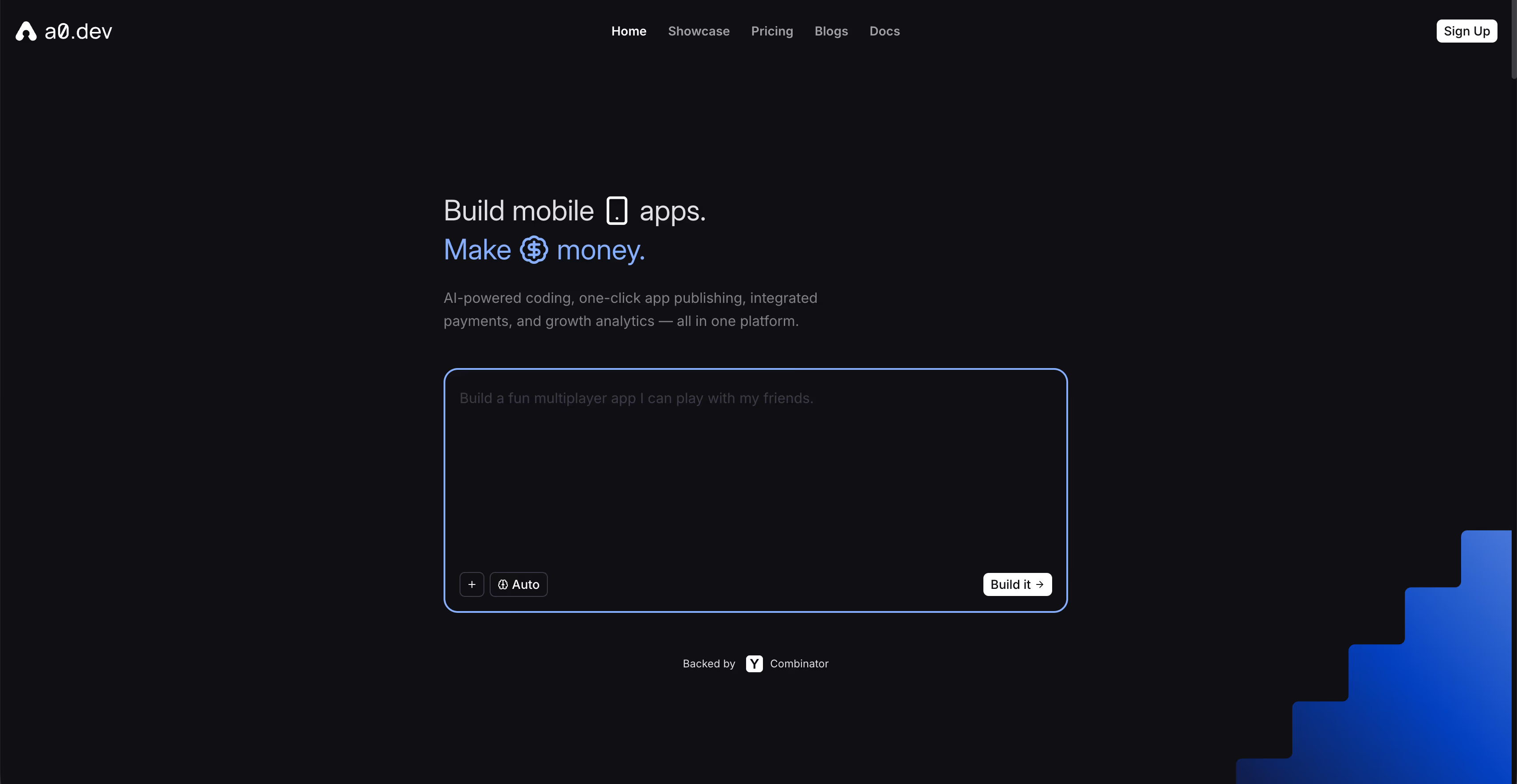
a0.dev, backed by Y Combinator, generates a React Native app with Expo and submits it to the App Store and Google Play. Paid plans start at $20/month, with 100 messages a day.

Article summary
- a0.dev, Y Combinator batch W25, generates React Native with Expo, publishable on the stores.
- Paid plans start at $20/month with 100 messages a day, and go up to $800/month.
- The Apple Developer account at $99/year and the Google Play account at $25 stay with the founder.
- a0.dev does not generate web apps: the positioning is native mobile.
- The React Native code can be exported on paid plans.
Summarize this article with
a0.dev is the tool everyone is talking about in mobile vibe coding. And for a good reason: it is the first mainstream tool that lets you go from a text description to an app published on the App Store without writing a single line of code.
It is real. And it is impressive.
What firstapp sees in the field is that founders who use a0.dev reach the App Store faster than ever, and then face the same questions as everyone else: why don't my users come back? Why doesn't my paywall convert? How do I move up the App Store rankings? a0.dev answers none of these questions.
This guide tells you exactly what the tool does, where it excels, and where the real work starts.
a0.dev, the tool that promises to go from idea to App Store without coding
YC-backed, native React Native, one-click publishing
a0.dev is backed by Y Combinator (batch W25), the accelerator behind Airbnb, Stripe, and Dropbox. This is not a garage project: it is a serious startup with a clear thesis and the means to execute it.
The proposition is simple and radical: describe your app in text, a0.dev generates a complete React Native app with Expo, and you publish on the App Store and Google Play in one click. Thousands of apps have already been created and deployed through the platform.
What sets it apart from Lovable and Bolt immediately: a0.dev generates native mobile, not web apps. That positioning is explicit. If you are looking for a tool to create a web app, a0.dev will tell you itself that you are in the wrong place.
How it sits in the landscape
a0.dev is today one of only two vibe-coding tools focused exclusively on native mobile with direct publishing to the stores, the other being Rork. Every other popular tool (Lovable, Bolt, Base44, Replit) is a web builder that can, in some cases, produce React Native, but that is not its core business.
Newsletter
Once a week.
Last issue
We opened 10 apps to see how they sell a subscription.
+534 people read us each week
What a0.dev actually generates, and for whom
Real React Native code, not an abstraction
The code a0.dev generates is real React Native, based on Expo. Files .tsx, hooks, navigation stacks, components. You can export this code, edit it, hand it to a developer, or migrate it. There is no vendor lock-in on the paid plans.
That is a fundamental difference from classic no-code tools, which generate proprietary abstractions you cannot take over. Here, you own the code.
Who it is for
a0.dev explicitly targets three profiles:
- Non-technical founders who want to validate a mobile idea with no delay and no development budget
- Developers who want to speed up prototyping and avoid boilerplate
- Designers who want to see their mockups work as real apps
For the first two use cases, the tool keeps its promise on simple to moderately complex apps. For apps with very specific business logic, the limits show up quickly.
Create your first app with a0.dev: the process
Write a prompt that works
As with every tool in this category, the quality of the result depends directly on the quality of the initial prompt. a0.dev recommends describing your app by specifying the audience, the main features in priority order, the visual style, and the integrations you need.
An effective prompt: "A habit-tracking app for professionals aged 25 to 40. Features: creating daily habits, streak tracking, reminder push notifications at a customizable time, a weekly dashboard. Clean design, neutral tones, a productive feel. Email authentication, Supabase backend."
An ineffective prompt: "A fitness app". The result will be as vague as the description.
The AI agent and the iterations
a0.dev offers an agent mode that plans and executes multi-file changes without you having to specify each change. For simple edits ("make the header sticky", "change the primary color to navy blue"), the result is immediate and clean.
For more complex features, the process is iterative: the agent proposes, you validate or correct, it adjusts. Each exchange consumes messages - on the Pro plan at $20/month, you get 100 messages a day. On complex projects with a lot of iteration, that ceiling can become a real constraint.
Test on your phone
a0.dev provides a preview app that lets you test your app directly on your phone with no compilation. You see the changes in real time as you go back and forth with the AI. It is the same principle as Expo Go, built directly into the platform.
Publishing on the App Store from a0.dev: how it actually works
Publishing in "one click", the details
a0.dev handles the entire publishing workflow: binary builds, signing, and submission to App Store Connect and the Google Play Console. That is where the tool makes the clearest difference against its competitors - this pipeline, which takes hours to configure by hand, is automated.
What stays on you, and will not change:
- An Apple Developer account at $99/year for the App Store
- A Google Play Developer account at $25 (one-time payment) for Android,
- Passing Apple review, which validates your app before publication
Apple review, what a0.dev does not control
Apple review is a human process. Whatever tool was used to generate your app, your app will be held to the same criteria: clear added value, justified permissions, a privacy policy present, a paywall compliant with In-App Purchase rules.
AI-generated apps are not exempt from these rules, and some Apple reviewers pay particular attention to automatically generated apps if they lack depth. Anticipating these criteria from the design stage is essential.
Warning: An app rejected by Apple can be rejected for reasons that have nothing to do with code quality - insufficient perceived value, a user experience judged too basic, a poorly built paywall. These rejections cost time, not money.
a0.dev's strengths against other vibe-coding tools
The only tool 100% focused on native mobile
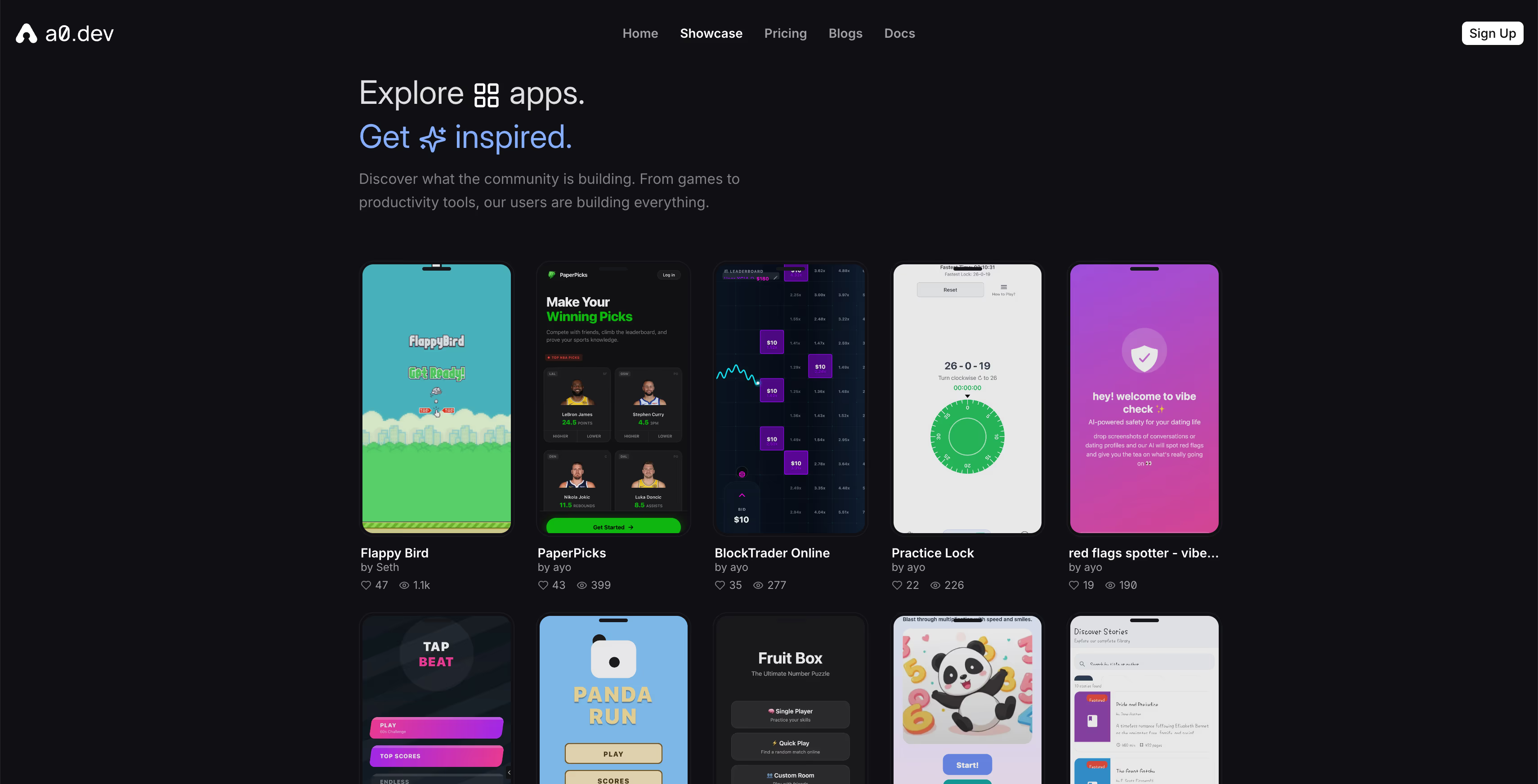
This is its main advantage, and it is significant. When you create an app with a0.dev, you create a real mobile app, not a web app you will then have to migrate or wrap. It installs from the stores, it sends native push notifications, it accesses the phone's hardware features.
For a founder whose goal is to be on the App Store, it is the most direct path on the market.
An integrated backend with no external configuration
a0.dev integrates Convex and Supabase natively for the backend. Database, authentication, API: everything is configured through prompts, with no external account to create and no connections to configure by hand. It is more integrated than Bolt, which points you to Supabase as a separate service.
OTA updates
Like Expo (which a0.dev is built on), JavaScript fixes can be deployed straight to production through over-the-air updates, without going back through the stores. For urgent fixes, that is a direct advantage.
Message ceilings and a0.dev's limits
Message ceilings, the real constraint
On the Pro plan at $20/month, you have 100 messages a day. On simple apps with few iterations, that is enough. On apps with complex business logic, you can hit that ceiling quickly, and the higher plans go up to $800/month for unlimited throughput.
The constraint is real on ambitious projects: every fix, every adjustment, every extra feature consumes budget. This system pushes you to prepare prompts well up front, but it penalizes exploration.
Complex business logic stays out of reach
a0.dev excels at common app patterns: authentication, CRUD, notifications, subscriptions, dashboards. It shows its limits on recommendation algorithms, advanced real-time logic, undocumented proprietary API integrations, or complex multi-tenant architectures.
Info: a0.dev says it itself in its documentation: "For apps with complex custom server logic, bespoke APIs, or a microservices architecture, a0.dev is not the right tool."
Mobile only, no web app
This is a constraint to anticipate if you plan a cross-platform product with a web interface. a0.dev does not generate web apps. For an admin dashboard, a marketing site, or a SaaS interface, you will need another tool alongside it.
Onboarding, paywall, ASO: the work that starts after a0.dev
Being on the App Store is the beginning, not the end
a0.dev gets you onto the stores faster than any other tool available today. That is a real and significant advantage. What it does not do is guarantee that your users stay, that they pay, and that they recommend you.
According to RevenueCat State of Subscription Apps 2026, apps in the top 25% of their category convert 4 times more than the median. The difference does not come from the technical stack. It comes from product decisions: onboarding, offer positioning, and the moment and structure of the paywall.
The onboarding the AI does not think through for you
The onboarding a0.dev generates is functional. It is not optimized. The difference between a functional onboarding and an onboarding that converts at 60% rather than at 20% is a series of decisions about friction, perceived value, the activation moment, and reassurance. Those decisions are made by analyzing real user behavior, not by iterating on prompts.
The ASO nobody anticipates
Your app is published. How will future users find it? Your app's title, the keywords in the metadata, the screenshots, the ratings and reviews: all of that decides your organic visibility on the stores. a0.dev handles the technical submission. The ASO strategy remains entirely yours to build.
Our guide on mobile onboarding optimization and the one on App Store ASO give you the basics so you do not miss this step.
a0.dev or firstapp: how to decide
The question is not one or the other. It is which order.
a0.dev makes sense if: you have an idea to validate quickly, a limited budget, and you want real user data before investing in professional development. It is the fastest tool on the market for landing on the stores.
firstapp makes sense if: you have validated your concept and you want to build an app that lasts, with an onboarding that converts, an optimized paywall, an ASO strategy that generates organic acquisition, and an architecture that holds when users arrive in volume.
Many of our clients arrive at firstapp with an a0.dev app that has proved its market. We start again from what the prototype taught us - what worked, what blocked, the user feedback - and we build the version that scales.Talk about your project
Conclusion: the fastest tool for validating, not for scaling
a0.dev is remarkable for what it does: taking anyone from zero to published on the App Store in a few hours. For market validation and fast prototyping on native mobile, no tool does better today.
Its limits are those of any automated generation: complex business logic resists, message ceilings constrain ambitious projects, and everything that makes a mobile app last over time - onboarding, paywall, ASO, retention - remains entirely to be built after a0.dev has done its work.
The right sequence: a0.dev to validate, firstapp to scale.
FAQ on a0.dev
Is a0.dev really free for building a mobile app?
a0.dev offers a free plan that lets you create a project. To go further - more messages a day and several projects in parallel - paid plans start at $20/month with 100 messages a day. Plans go up to $800/month for maximum throughput. On top of that: the Apple Developer account at $99/year (required for the App Store) and the Google Play Developer account at $25 (one-time payment for Android).
Do you need to know how to code to use a0.dev?
No. a0.dev is explicitly designed for non-technical founders. You describe your app in natural language and the AI generates the React Native code. A basic sense of what you want to build - features, audience, style - is enough to get a usable result. For very precise edits or complex features, some development basics help you guide the AI more effectively.
What is the difference between a0.dev and Lovable or Bolt?
The fundamental difference is the type of app produced. Lovable and Bolt create web apps accessible from a browser. a0.dev creates React Native apps that can be published directly on the App Store and Google Play. If your goal is a presence on the mobile stores, a0.dev is the most direct tool. If you are looking for a web app or a SaaS, Lovable or Bolt are a better fit.
Do I own the code generated by a0.dev?
Yes, on the paid plans. a0.dev generates real React Native code that you can export, edit, and deploy elsewhere. There is no vendor lock-in on your code. On the free plan, the conditions can be different. Check the platform's terms before you build a critical project.
Can a0.dev create complex apps?
a0.dev excels at apps with common features: authentication, database, push notifications, payments, dashboards. It shows its limits on complex algorithms, undocumented proprietary API integrations, and advanced architectures. The tool acknowledges it itself: for complex server-logic needs or a microservices architecture, other solutions are a better fit.
Can you improve an a0.dev app with firstapp?
Yes. Many of our clients arrive with an a0.dev app that has validated its market and want to move to the next step. We can start from what the prototype taught us - user feedback, retention data, friction points identified - and build an optimized version with an onboarding, paywall, and ASO strategy built in from the start.
Also read

Build a mobile app with Expo: the complete guide
Expo covers 95% of React Native use cases, camera, GPS, and notifications included, without writing native code. EAS Update deploys a JavaScript fix to production without going back through the stores.

The 10 limits of vibe coding for a mobile app
Vibe coding is enough for a prototype, not for security, App Store review, in-app purchases, or maintenance. AI-generated code fails security checks in 90% of cases.