Create an application with Lovable: complete guide and tips
In 2025, Lovable generated more than one million projects in less than twelve months. It produces React and TypeScript web apps, accessible in a browser, not native applications for the App Store.

Article summary
- In 2025, Lovable generated more than one million projects in less than twelve months.
- Lovable produces React and TypeScript web applications, not a native application that can be published on the App Store.
- The free plan is limited to 5 messages per day, and paid plans start at $20/month.
- Without Supabase, the generated data does not survive a page reload.
- Lovable is for validating a concept: publishing on the stores then requires native development.
Summarize this article with
In 2025, Lovable generated more than one million projects in less than twelve months. Founders with not a single line of code to their name shipped working prototypes in a few hours. That is real, and it is impressive.
But before going further, one clarification is needed. firstapp works every week with founders who arrive with a Lovable prototype in hand, convinced they have their "mobile app". The reality is more nuanced, and understanding it now will save you months of delay.
This guide explains how to create an application with Lovable from A to Z, and above all what the tool can do for you, and what it will never do.
Why choose Lovable to create your application?
A tool built for non-developers
Lovable (formerly GPT Engineer) was designed by Anton Osika with a clear obsession: let the 99% of people who cannot code create a working application. The result is a tool that generates professional-quality React and TypeScript code from a simple prompt in natural language.
You describe your application the way you would explain it to a developer. Lovable generates the interface, the logic, the components. A few exchanges later, you have a prototype that looks like a real product.
The engine behind all of this? Claude, Anthropic's model. Since early 2026, Lovable runs on Claude Opus 4.6, one of the best code-generation models available. That is not trivial: the quality of the generated interfaces is objectively above most of its competitors.
What Lovable actually produces
This is the point almost every tutorial skips. Lovable creates web applications in React/TypeScript. Applications that display in a browser, that can be deployed on a domain, and that work on mobile through the browser.
What Lovable does not do: generate a React Native application that can be published on Apple's App Store or the Google Play Store. A web app and a native mobile application are two different things - technically, commercially, and from the user-experience point of view.
To remember: If your final goal is an application on the App Store, Lovable is an excellent starting point to validate your idea. But it is not the tool that will get you there directly.
Newsletter
Once a week.
Last issue
We opened 10 apps to see how they sell a subscription.
+534 people read us each week
Clarify the idea and choose a Lovable plan
Clarify your idea before you touch the tool
The biggest mistake founders make with Lovable: opening the interface before they have a clear idea of what they want to build. AI is excellent at executing. It is useless at helping you find what you really want.
Before you sign in, answer these three questions:
What precise problem does your application solve? For whom exactly (one user profile, not "everyone")? What is the main feature, the one without which the application makes no sense?
If you cannot answer in two sentences, you are not ready. Read our guide on how to validate an app idea before you develop, you will save weeks.
Choose the right Lovable plan
Lovable offers a free plan limited to 5 messages per day. That is enough to explore the tool, not to build a complete MVP.
Paid plans start at $20/month and include a number of monthly credits. Each change costs credits. The golden rule: the more precise your starting prompt, the less you iterate, and the fewer credits you consume.
Step-by-step guide to creating your first application
Write an effective prompt
The initial prompt is the most important step. Lovable generates your application's entire architecture from this first message. A vague prompt produces a vague result.
A good prompt should contain:
- The application description (in 2-3 sentences)
- The target users
- The 3 to 5 main features, in priority order
- The visual style you want (colors, references, tone)
- Technical constraints if you have any (language, currency, regulation)
Concrete example: do not say "create a fitness app". Say "a web application for independent sports coaches who want to create personalized training programs for their clients. Interface in French, clean and professional style (inspired by Notion), features: program creation, client tracking, internal messaging."
Iterate intelligently
Once the first version is generated, resist the urge to change everything at once. Lovable behaves like a junior developer: it is fast, but it can break something while trying to fix something else.
The method that works: one change at a time, test, validate, then move to the next. For complex changes, describe the expected result rather than the technical implementation.
Connect Supabase for the backend
By default, Lovable generates a front-end application without a persistent backend. Your data does not survive a page reload. To add a database, authentication, and storage, Lovable integrates natively with Supabase.
The connection takes a few steps from the Lovable interface. Once connected, Supabase handles your entire backend, user accounts, data, email sending, and even payments if you add Stripe.
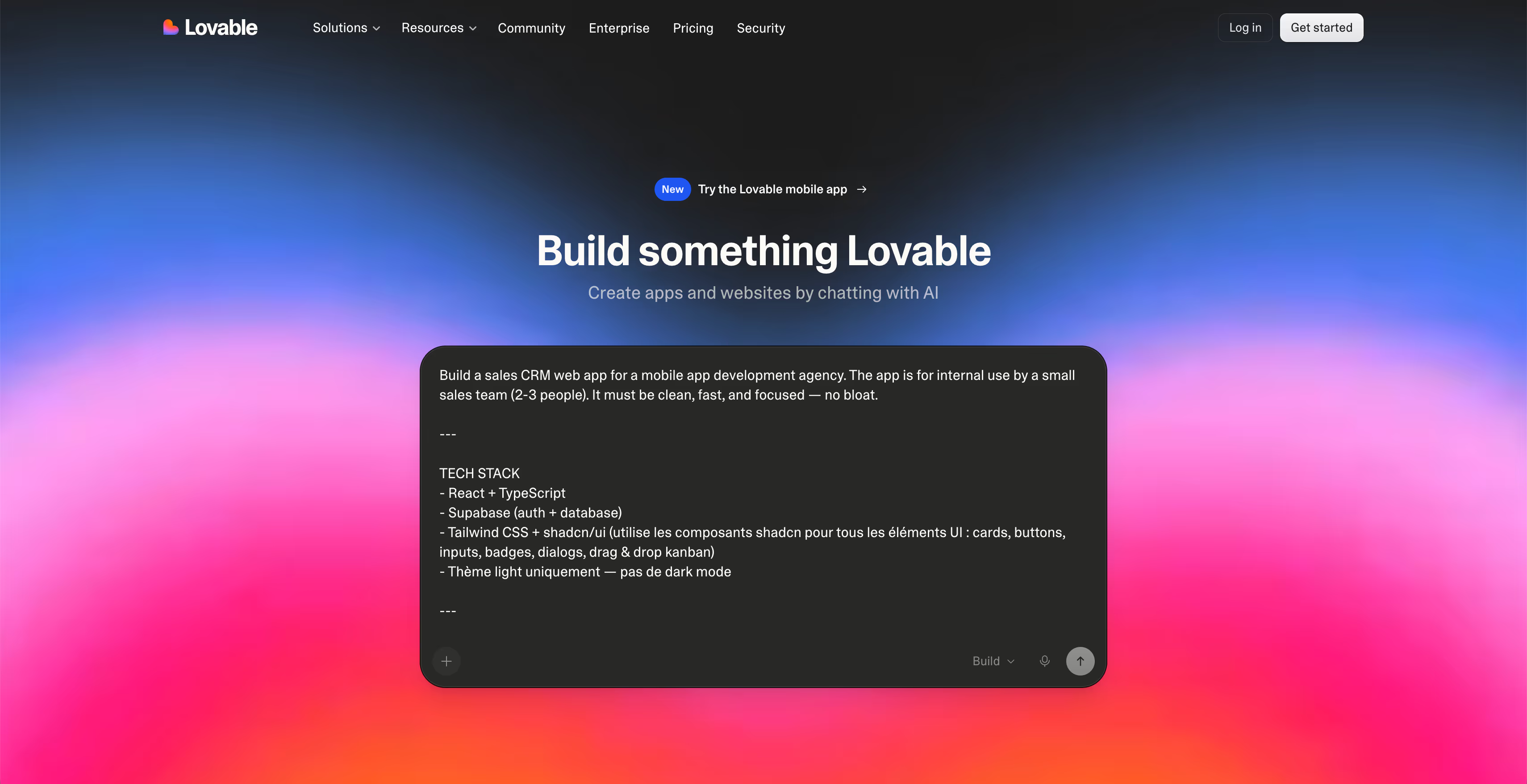
Customizing your application with Lovable
Adapt the design
Lovable generates interfaces with shadcn/ui components, a React library known for the quality of its rendering. The interfaces are responsive by default and work correctly on mobile through a browser.
To customize the design, you have two options. The first: ask for changes directly in natural language ("make the header more compact, change the primary color to #2D6A4F, add the logo at the top left"). The second: connect your project's GitHub repository and edit the code manually. The second option assumes some web development basics.
An important limit to know: Lovable does not let you edit the code directly in its interface. If you want fine changes without going through the AI, you will have to go through GitHub.
Edit the content and the copy
Every piece of copy in your application can be changed through prompts. Be precise: say exactly which text you want to change and to what. Asking to "make the copy more engaging" without specifics rarely produces what you imagine.
Authentication, Stripe, and Lovable's limits
Authentication and user management
Once Supabase is connected, Lovable can generate a complete authentication system: email sign-up, sign-in, password recovery, and session management. It is one of the features the tool handles best, the result is clean and functional without complex configuration.
Payments with Stripe
To monetize your application, Stripe integration is possible through Lovable. The tool can generate payment pages, handle basic subscriptions, and connect Stripe webhooks to your Supabase database.
However, an effective paywall strategy requires much more than a technical integration. Price positioning, offer structure, the moment the paywall appears in the user journey: no AI tool can decide that for you. That is what makes the difference between an app that converts at 1% and an app that converts at 8%. If you want to go further, our guide on mobile paywall optimization will give you the basics.
The technical limits to anticipate
Lovable excels at common features. It shows its limits on anything out of the ordinary.
The cases that cause problems: complex business logic, recommendation algorithms, non-standard API integrations, handling large data volumes, advanced real-time features. For these needs, the AI iterates a lot, can introduce bugs that are hard to fix, and the credit cost rises fast.
Warning: If your application idea rests on a very specific feature or on complex business logic, test that feature first with Lovable before you build the rest. That is where most projects stall.
Onboarding a Lovable prototype
The onboarding mistakes AI does not see
The interface Lovable generates can be technically clean and still lose 80% of its users at screen 2. Because onboarding is not designed by default, it is thought through.
A few classic mistakes on Lovable prototypes: too much information requested at sign-up, no perceived value before creating an account, an account-creation flow decoupled from the first real action in the app. These are problems the AI does not detect, because it generates what it is asked for, not what the user expects.
To avoid the most frequent mistakes, see our guide on mobile onboarding optimization, the principles apply even to a web app.
Why UX is not improvised with prompts
A Lovable prototype validated by about twenty real users gives you something valuable: behavior data. Session replays, exit points, recurring questions. From there you can make informed UX decisions.
AI generates. User experience is observed, analyzed, then designed. These are two different activities. No prompt will replace a user testing session.
Publish a Lovable web app
Publish your web app
Lovable automatically deploys each version of your application on a subdomain .lovable.app. You can connect your own domain through the project settings, it is included in the paid plans.
For launch, your web app is accessible from any browser, on desktop as on mobile. You can share it, promote it on social networks, and connect it to analytics tools such as PostHog or Mixpanel to track the behavior of your first users.
Web app vs native mobile application: the real difference
This is the moment to be direct. Your Lovable application is a web app (unlike a0.dev). Your users access it through their browser. It does not appear on the App Store. It cannot use native iOS push notifications without advanced configuration. It cannot access certain hardware features (precise GPS, sensors, Bluetooth) without restrictions. It is very important to understand the differences between web app and native mobile application.
A native mobile application in React Native, installs from the App Store or Google Play. It appears in App Store (ASO) search results. It can use every feature of the phone. It benefits from the App Store's trust label.
If your goal is to reach users through the stores, the Lovable web app is a validation step, not a final product. The right strategy: validate your concept with Lovable, collect user data, then start native development with the learnings in hand.
Metrics of a Lovable web app
Indicators to watch
Once your web app is launched, track these priority metrics from day one:
- Activation rate (how many signed-up users complete the main action?)
- D1 and D7 retention rate (how many come back the next day? the following week?)
- Conversion rate to paid if you have a paywall
- Exit points in the user journey
This data is not only useful for improving your web app. It tells you whether your idea holds up, and with which arguments you will show up in front of an agency or an investor.
When to call in an expert
Your Lovable prototype validates your market. Your first data shows engagement. You have users who come back and who pay. This is the moment to take the next step.
Two clear signals show it is time to move to a native application:
- Your users ask you "is there an app?"
- Your acquisition costs start to weigh, and you need ASO levers to lower your CPA
What we regularly see at firstapp: founders who validated their concept on Lovable and come to us so we can take it from there. They have their prototype, their first users, their data, and they want a real mobile application. We start from the prototype's learnings to build the native React Native version, building in from the start everything that makes an app take off: optimized onboarding, paywall, ASO, retention.
What Lovable does not publish on the stores
Lovable is a remarkable tool for what it does: let anyone turn an idea into a working prototype in a few hours. To validate a market, test a product hypothesis, or convince first users, it is hard to do better on the time-to-result ratio.
Its limits are just as real. An application created with Lovable is not a native mobile application. It is not published on the App Store. It does not benefit from ASO's organic growth levers. It cannot rival the user experience of a well-built React Native application.
Many of our clients have been through this. A Lovable prototype, users who engage, and the desire to turn that into a real application. That is exactly the kind of project we support at firstapp: we start from what you built and we take it from there.Talk about your project
Direct costs: subscription and generations
Lovable runs on a credit model. Each generation, each change, each iteration consumes credits.
The free tier offers a limited volume of credits, enough to explore the tool, not to build a complete project. The Starter plan starts around €25/month for a monthly credit volume. Higher plans go up to €50 to €100/month for intensive use.
In practice, a serious project - with authentication, several screens, a database, and design iterations - quickly consumes the monthly quota. Founders who build with Lovable over several weeks often end up moving to a higher plan or buying extra credits.
The Lovable subscription cost in real conditions for a project in active development: between €50 and €150/month depending on how intense the iterations are. On top of that comes Supabase for the backend (free up to a certain volume, then paid), and any deployment tools.
Hidden cost no. 1: your prompting time
Lovable simplifies development, it does not remove it. Building an app with Lovable means knowing how to write precise prompts, understanding the errors generated, debugging unexpected behavior, and keeping visual and functional consistency across iterations.
What founders underestimate: every imprecise prompt generates a version that does not match exactly what they wanted. The correction takes a new prompt. Sometimes several. Over a project of a few weeks, the back-and-forth adds up and the time invested far exceeds the initial estimates.
Count between 60 and 200 hours of effective work for a complete web project with Lovable, authentication, profile management, business logic, and a careful interface. That is less than Claude used for pure development, but far from the "few hours" the tutorials promise.
Value your time at your day rate. If your day is worth €500, 150 hours of prompting and iteration represent €9,375 of opportunity cost, during which you did not sell, did not acquire users, did not iterate on your go-to-market.
Hidden cost no. 2: the native limit
This is the cost nobody sees coming, and the most painful one.
You spent weeks building your project on Lovable. The interface is clean, the logic works, you are ready to launch. And then you discover that submitting to the App Store requires an .ipa file compiled from native code, not a web URL.
Workarounds exist. Some wrappers such as Capacitor or Median.co let you wrap a PWA in a native shell to submit it to the stores. But this approach has its limits: performance is below a native app, Apple reviewers sometimes reject apps that are too close to a simple web wrapper, and the user experience can disappoint against the standards expected on the App Store.
The cost of migrating from Lovable to native, if you decide to rebuild it properly, often represents more than if you had started in React Native from the beginning. You pay twice: the initial build and the rebuild.
Lovable alone vs with an agency: the honest comparison
| Criterion | Doing it alone with Lovable | With an agency |
|---|---|---|
| Direct cost | €50–€150/month | On request |
| Founder time | 60–200 hours | A few hours of framing |
| App type | Web / PWA | Native iOS & Android |
| Store submission | Complex or impossible | Included |
| ASO at launch | No | Yes |
| Optimized onboarding | No | Yes |
| Time to launch | 2–6 months | 6–12 weeks |
| User experience | Limited (PWA) | Full native |
The real question is not "Lovable or an agency?". It is "does my project need a real native app, or is a PWA enough?".
If your use case works in a browser, you do not need native features, and the App Store is not a key distribution channel for you, Lovable can be enough. If your growth depends on organic App Store traffic, native push notifications, or a premium mobile experience, the math changes radically.
When Lovable is worth it
Lovable is worth it when:
You are validating an idea quickly. A web prototype to test user intent before investing in native is the ideal use case for Lovable. Fast, visual, enough to learn.
Your app is a web tool first. If your product is mainly used on desktop or if the mobile version is secondary, Lovable gets you to production quickly without the constraints of the stores.
Your audience is forgiving about the native experience. Some B2B markets accept a PWA without friction. Consumer B2C, on the other hand, is much more demanding about the quality of the mobile experience.
Lovable is not worth it when:
Your distribution goes through the App Store. Without a native presence on the stores, you do not have access to organic ASO traffic, which still represents 65% of app discovery according to Sensor Tower State of Mobile 2026.
You need native features. Push notifications, biometrics, sensor access, system integrations: so many blockers for a PWA.
You are aiming for a premium mobile experience. iOS users have high standards. An app that "looks like a website" inside a native shell disappoints and gets uninstalled fast.
→ To compare with other vibe-coding tools, see our analysis on how much a mobile app costs with Claude.
FAQ about Lovable
Can you create a real mobile application with Lovable?
Lovable creates web applications in React/TypeScript, accessible from a browser on mobile or desktop. They are not native mobile applications in the strict sense: they are not downloaded from Apple's App Store or the Google Play Store. To get a native application that can be published on the stores, you need React Native or Swift/Kotlin development. Lovable is excellent for validating an idea quickly, but it does not replace native mobile development.
How much does Lovable cost to create an application?
Lovable offers a free plan limited to 5 messages per day. Paid plans start at $20/month and include a monthly credit volume. The total cost depends on your application's complexity and the number of iterations required. A simple MVP can be done with a few dozen euros of credits. A more complex application with several advanced features can require several hundred euros per month depending on the development pace.
Does Lovable work in French?
Yes, Lovable accepts prompts in French and generates interfaces in French. The underlying model, Anthropic's Claude, understands and generates very good French. You can describe your application entirely in French, ask for changes in French, and get an interface localized in French by default.
Do you need technical skills to use Lovable?
No development skill is required to use Lovable. The tool was designed precisely for non-technical founders. On the other hand, a foundation in writing clear, structured prompts improves the result considerably. The more precise your description, the less you iterate. For fine changes, connecting the project to GitHub allows manual adjustments, which requires HTML/CSS basics.
What is the difference between Lovable and Bolt for creating an application?
Both tools create web applications from prompts in natural language. Lovable stands out for the visual quality of its interfaces and a better native integration with Supabase. Bolt offers more flexibility on the technical side and allows a full code export. For a non-technical profile looking for a polished result quickly, Lovable is generally a better fit. For a technical profile that wants more control, Bolt is a serious alternative.
Can you monetize an application created with Lovable?
Yes, it is possible to integrate Stripe into a Lovable application to handle payments and subscriptions. The technical setup is doable. However, the monetization strategy itself - price positioning, paywall structure, the moment of the offer in the user journey - remains entirely up to you. These decisions have a direct impact on your revenue and cannot be automated.
Can you publish a Lovable app on the App Store?
Not directly. Lovable generates web applications (React), not native iOS or Android code. To publish on the App Store, you have to go through a wrapper such as Capacitor that wraps the PWA in a native shell. This approach is possible but limited: Apple sometimes rejects apps that are too close to a web wrapper, and the user experience stays below a real native app.
What is the difference between a Lovable app and a native app?
A Lovable app is a web application that displays in a browser or in a native shell. A native app is compiled specifically for iOS or Android. The difference shows in performance, access to system features (native push notifications, biometrics, sensors), the quality of the user experience, and organic presence on the App Store. For a consumer B2C product, the difference is significant.
Also read
Lovable, Bolt, Base44, Claude, Cursor: which one should you choose for your app?
Lovable, Bolt, and Base44 output web apps. Claude and Cursor output code. None of them decides the onboarding, the paywall, or publication on the App Store.
Web app or native mobile app: how to choose in 2026?
Less than 6% of time spent on a smartphone is spent in a browser, and more than 94% in applications, according to Sensor Tower (State of Mobile 2026).