Create an app with Replit: the complete 2026 guide
Replit raised 400 million dollars at a 9 billion valuation. Agent 4 can assemble a complete application, front and back, in 45 minutes, and usage-based pricing also bills failed operations.

Article summary
- Replit raised 400 million dollars at a 9 billion valuation.
- A documented test shows Agent 4 assembling a complete billing application, with 12 tests, in 45 minutes.
- The Core plan costs $20/month and the Pro plan $100/month, with Agent pricing called effort-based.
- Failed operations are billed, and the spend limit is off by default.
- Converting a web app to mobile inside Replit is not native React Native development.
Summarize this article with
Replit just raised 400 million dollars at a 9 billion valuation. Its CEO Amjad Massad has had one obsession since day one: make application creation accessible to everyone. With Agent 4, its latest model, Replit is the most powerful and most versatile vibe-coding tool on the market: web, mobile, slides, videos, dashboards, all from a single interface.
It is also the tool whose pricing can hold unpleasant surprises if you have not understood it well before you start.
firstapp has put Replit through its paces. This guide tells you exactly what it does, how it works, what it really costs, and where the real work starts once the Agent has done its part.
Replit in 2026: much more than a simple app generator
A complete development platform, not a prototype generator
Replit is not in the same category as tools that generate an interface from a prompt and stop there. It is a complete cloud development platform: IDE, database, hosting, deployment, real-time collaboration, and artificial intelligence, accessible from any browser, with no installation.
What changes with Agent 4: the Agent no longer just generates code. It plans, runs tasks in parallel, tests its own work, creates checkpoints so you can go back, and integrates with external services such as Slack, Notion, Linear, or BigQuery through natural-language instructions.
Replit is not a tool you generate with and forget. It is a tool for co-creating with an AI inside a complete development environment.
An ambitious positioning
With 400 million dollars raised and a 9 billion valuation, Replit is not playing in the same yard as consumer vibe-coding tools. The platform targets both non-technical founders and professional development teams, which explains the complexity of its offer and the breadth of its features.
Newsletter
Once a week.
Last issue
We opened 10 apps to see how they sell a subscription.
+534 people read us each week
What Replit Agent can build for you
Complete applications, front and back, on its own
Agent 4 can scaffold a complete application from a single prompt: frontend, backend, database, authentication, deployment. A documented test: "build a SaaS billing dashboard with Stripe, user authentication, and usage analytics." Result: a structured Next.js application, Stripe webhooks configured, JWT authentication with a refresh token, an analytics dashboard, and 12 unit tests, in 45 minutes, with no manual intervention.
The Agent writes code, but it goes further: it tests what it produces, identifies edge cases, and fixes them without you having to ask. In 50+ programming languages.
Web, mobile, slides, videos, in the same project
This is one of Replit's major differences. You can create a web app, add a mobile application, presentation slides, and a data dashboard, all in the same project, with the same backend and the same data. You do not change tools depending on the kind of output you want.
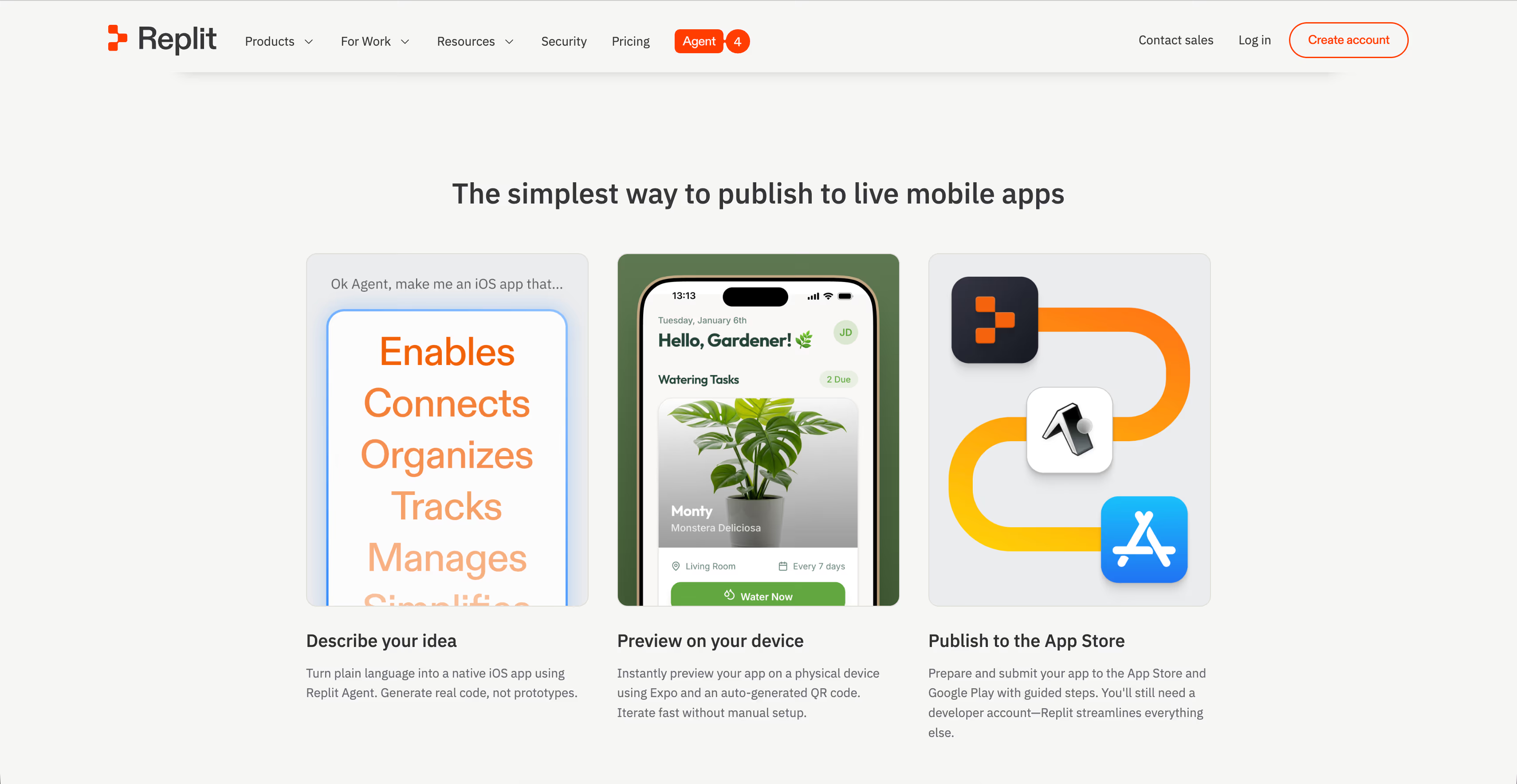
Converting an existing web app into a mobile application is done directly from the Agent interface. It is not React Native native development like a0.dev, it is a conversion from your existing web app.
Getting started on Replit: create your first application
Choose your way of working
Replit offers several ways to interact with Agent 4. Classic mode: you describe, the Agent executes. Plan mode: the Agent submits an action plan before executing, and you validate each step. Power mode: the most capable, for complex projects. The higher you go, the more credits you consume.
For a first project, standard mode is enough. Switch to Plan mode if you want to keep control of the architecture before the Agent starts coding.
Write a prompt that produces a usable result
Agent 4 handles complete, detailed prompts well. Describe your application by specifying the type (web, mobile, or both), the main features in priority order, the integrations you need (Stripe, auth, third-party APIs), and the visual style you expect.
The Agent creates checkpoints at regular intervals while it works. If the result of a step does not suit you, you can go back without losing the whole piece of work. It is one of the most useful features for projects that need several iterations.
Test and adjust
Replit automatically deploys your application on every significant change. You test directly in the browser, with no local setup. For mobile applications, the Agent handles conversion and deployment.
Replit's pricing model: what to understand before you start
How the plans are structured
Replit offers a free Starter plan with limited Agent credits and publication of a single application. The Core plan costs $20/month and includes $20 of monthly credits, up to 5 collaborators, and long autonomous builds. The Pro plan is $100/month. It includes $100 of monthly credits, up to 15 collaborators, 50 viewers, access to the most powerful models, and premium support.
Usage-based pricing, the part nobody reads
This is where Replit surprises people. Agent pricing is called "effort-based". It varies with the complexity of each task. A simple change costs less than a complex rebuild. What is less visible: failed operations are billed too. If the Agent crashes in the middle of a task, you still pay for the checkpoints already passed.
Users have documented bills of $200 to $500 per month on intensive projects, on top of their subscription. One user reported $50 in charges every few days on an inactive account, tied to background processes that were not stopped.
Warning: Turn on a spend limit before any intensive use of Replit. This option exists in the settings, but it is off by default. With no limit configured, overages pile up with no automatic alert.
The practical rule
Set your maximum monthly budget, turn on the limit in the settings, and watch your credit consumption after every intensive session. For a simple MVP, the Core plan with its included $25 of credits is often enough. For projects with many iterations or production traffic, expect real costs of 2 to 4 times the subscription price.
Web, mobile, slides: everything in a single project
The strength of shared context
The concrete advantage of grouping everything in a single Replit project: the Agent knows your whole product. When you ask it to add a mobile feature, it already knows how your backend is structured, which data exists, and how the web interface is organized. There is no context break between the different outputs.
External integrations
Replit integrates natively with more than 100 services: Stripe for payments, OpenAI for AI, Google Workspace, BigQuery for data, and tools such as Linear, Slack, or Notion. These integrations are configured through prompts. You describe what you want to connect, and the Agent handles the configuration.
The real strengths of Replit Agent
Real autonomy
Agent 4 is one of the rare tools that actually tests its own code before delivering it to you. During tests documented by development teams, the Agent detected edge cases not specified in the initial prompt: handling of expired sessions, webhook signature verification, responsive mobile layout. This level of autonomy significantly reduces the number of back-and-forths required.
Real-time collaboration
Up to 6 users can work on the same project at the same time with no lag. For small teams that want to build together, that is a concrete advantage over single-user tools.
Zero environment setup
No local installation, no dependency configuration, no version conflicts. Everything runs in the cloud from the first prompt. It is the least technical entry point of all AI development environments.
What Replit will not do for you
Product strategy
Replit Agent is remarkable at executing what you describe. It is useless at deciding what to build, in what order, for which target, with which positioning. These questions, which decide whether your application succeeds or fails, stay entirely on you.
Onboarding and retention
The Agent can generate an onboarding screen in a few minutes. What it cannot do: decide when to show your application's value, which friction is acceptable, what the right activation moment is. Those decisions are made by watching real users, not by prompting.
According to RevenueCat 2026 data, apps in the top 25% of their category retain 3 times more users at D30 than the median. The difference is not in the code. It is in the user journey and the retention strategy. Our guide on mobile onboarding optimization details the principles that apply whatever the technical stack.
Native mobile in the strict sense
Replit's web-to-mobile conversion gives access to basic mobile features. For a React Native application built natively, with full hardware access, optimized performance, and a clean store publication, that is another level of requirement that Replit does not cover.
The paywall that converts
Replit can integrate Stripe and generate a payment screen. The monetization strategy - the right price, the right offer structure, the right moment in the journey - still has to be built. Our guide on mobile paywall optimization gives you the basics so you do not leave revenue on the table.
When Replit is the right choice, and when it is not
Replit makes sense if:
- You want a complete development environment in the browser, not just an interface generator
- Your project needs real backend logic, complex API integrations, or code in a specific language
- You work as a team and want to collaborate in real time on the same project
- You want to produce several kinds of output from the same project (web + mobile + data)
Replit does not make sense if:
- You are looking for the simplest tool for your first prototype
- look at options with a less steep entry curve
- You have a very limited budget and no appetite for watching variable credit consumption
- Your main goal is a native mobile application published on the stores
- Replit is not optimized for this use case
And where does firstapp fit?
Replit is excellent for quickly building a complete working product. What it does not do: guarantee that this product retains its users, converts its visitors, and climbs the App Store rankings. That is where we step in.
Many of our clients arrive with a Replit product in production and precise questions: why my retention rate is stuck, how to structure my paywall to improve conversion, how to generate organic acquisition from the stores. That is the kind of problem we solve at firstapp. Talk about your project
Conclusion: the most powerful tool in the category, not the simplest
Replit Agent 4 is the most complete vibe-coding tool available today. Its power, its autonomy, and its ability to handle complex full-stack projects set it clearly apart from simple interface generators. For founders who want to co-create with an AI rather than just generate, it is the best option on the market.
That power has a price, literally. Replit's usage-based pricing model is the least predictable in the category, and unpleasant surprises on the bill are documented and frequent. Turn on a spend limit before anything else.
And like every tool in this category: Replit builds. Product strategy, onboarding, the paywall, ASO - that is your work. Or ours.
FAQ about Replit
Is Replit free for creating an application?
Replit offers a free Starter plan with limited Agent credits and publication of one application. The Core plan at $20/month includes $20 of monthly credits and up to 5 collaborators. The Pro plan at $100/month includes $100 of credits, up to 15 collaborators and 50 viewers. These credits cover Agent operations, compute, and storage. Once the credits are used up, usage fees apply on top. Imperative advice: turn on a spend limit in the settings before any intensive project.
Do you need to know how to code to use Replit?
No. Agent 4 is designed to be used in natural language, with no development skills. That said, Replit remains a complete development environment. Having a basic sense of what you want to build (type of application, features, integrations) will give you much better results than a vague description. Replit addresses a wide spectrum: from non-technical founders to professional development teams.
Can Replit create mobile applications?
Yes. Replit Agent can create mobile applications (like Bolt or Lovable for example) from a prompt, or convert an existing web app into a mobile application. This approach is different from pure native React Native development. It is a conversion from a web base. For simple to moderately complex applications, the result works. For mobile applications with advanced hardware needs or critical performance, native development remains a better fit.
Why is my Replit bill higher than expected?
This is a documented and frequent problem. Replit bills Agent operations by usage, including failed operations. Background processes can keep consuming compute even on an inactive account. The solution: turn on a spend limit in the settings (off by default), watch consumption after every session, and explicitly stop production processes when they are not needed.
What is the difference between Replit and the other vibe-coding tools?
Replit is the most complete and the most powerful: integrated IDE, 50+ languages, real-time collaboration, advanced Agent autonomy, and the ability to produce web, mobile, slides, and data from the same project. The other tools (web interface generators, specialized mobile builders) are easier to access but more limited in power. Replit is the option for people who want a real AI development environment, not just a generator.
Also read
Lovable, Bolt, Base44, Claude, Cursor: which one should you choose for your app?
Lovable, Bolt, and Base44 output web apps. Claude and Cursor output code. None of them decides the onboarding, the paywall, or publication on the App Store.

The 10 limits of vibe coding for a mobile app
Vibe coding is enough for a prototype, not for security, App Store review, in-app purchases, or maintenance. AI-generated code fails security checks in 90% of cases.