What are iOS App Intents and how do you use them?
Since iOS 16, App Intents expose an app's actions to Siri, Spotlight, and Shortcuts, without the user opening it. This framework replaces SiriKit and serves as the path to Apple Intelligence.


Article summary
- An App Intent is an app action exposed to iOS, triggerable without opening the application.
- Introduced with iOS 16, the framework replaces SiriKit, limited since iOS 10 to domains imposed by Apple.
- The same intents feed Siri, Shortcuts, Spotlight, widgets, Control Center, and the Action button.
- With iOS 18, App Intents are the entry point for an app to use Apple Intelligence.
- In a React Native app, the intent is written in Swift: JavaScript does not run when Siri triggers it.
Summarize this article with
Most mobile applications live in a bubble. The user opens the app, does what they have to do, and leaves. Yet since iOS 16, Apple offers developers a framework that lets them take their app out of that bubble and connect it directly to the system: App Intents.
It is one of the least well documented subjects in French on the mobile market, and yet it is becoming central with the arrival of Apple Intelligence. firstapp explains here what iOS App Intents are, why you should implement them, and how to do it if your app is in React Native.
To integrate iOS App Intents into your application, here are the 5 key steps:
- Create a struct that conforms to the
AppIntentprotocol - Implement the
perform()method - Define an
AppShortcutsProviderfor Siri - Configure the entities if your intent uses dynamic data
- Test on a real device (not the simulator)
What is an iOS App Intent?
An App Intent is an action your application exposes to the iOS system. You define what your app knows how to do - start a session, display a piece of content, launch a command - and iOS can then trigger those actions from any system surface, without the user having to open the app manually.
The App Intents framework was introduced with iOS 16 to replace the old SiriKit Intents system, which was heavier and less intuitive to code. The major difference: with App Intents, everything is written directly in native Swift, with a few lines of code. No more .intentdefinition files and automatic code generation.
An App Intent follows a simple structure:
- a localizable title (the name of the action visible to the user)
- a
perform()method that executes the action - optional parameters (which session? which content? which user?)
That is all. Apple handles registration, discovery, and display across the different surfaces.
Newsletter
Once a week.
Last issue
We opened 10 apps to see how they sell a subscription.
+534 people read us each week
SiriKit or App Intents: what is the difference?
⚠️ SiriKit ≠ App Intents. SiriKit (iOS 10) is the old system, limited to domains predefined by Apple: messaging, VoIP, payments, fitness. App Intents (iOS 16) replaces it entirely and lets you expose any action of your app - with no domain constraint. If you find tutorials that mention .intentdefinition files or automatic Xcode code generation, they are obsolete.
Migration to App Intents is officially recommended by Apple for any new integration. App Shortcuts, built on top of App Intents, let you preconfigure Siri phrases without the user needing prior training - which was not possible with SiriKit.
In short: if you are developing or rebuilding an iOS app today, SiriKit should no longer be in your vocabulary.
What iOS App Intents are for
Let's take concrete examples, because "connect your app to Siri" means nothing if you do not picture the user impact.
Fitness app: the user says "Hey Siri, start my Monday session" → the intent fires, the app opens directly on the right session, with no navigation.
Delivery app: from Spotlight, the user types the app's name → suggested actions appear: "Reorder my last order", "Track my current delivery".
Productivity app: from the Action button on the iPhone 15 Pro, the user creates a task or starts a timer in one gesture, without even unlocking the screen.
Streaming app: in an interactive widget, a "Resume" button starts playback directly via an App Intent - without going through the app, without a loading screen.
The business stake behind all of this is usage frequency. An app present in Spotlight, in Siri, and in App Shortcuts is an app that fits into the user's daily habits. And an app in the habits is an app that converts and retains. It is the same principle as mobile onboarding optimization: reduce friction at every point of contact.
Where App Intents appear on iOS
When you implement App Intents, your app becomes accessible from several system entry points.
Siri
The best-known surface. The user can trigger your intents by voice. With App Shortcuts, you associate predefined phrases with your actions: Siri recognizes them immediately, with no setup on the user's side.
The Shortcuts app
All of your actions appear automatically in the Shortcuts app. Advanced users can create complex automations by combining your intents with other system actions - alarm, location, time, and so on.
Spotlight
Since iOS 17, your App Shortcuts appear directly in Spotlight with your app's icon. Since iOS 18, your entities (your business objects: sessions, products, contacts) are also indexed and appear in search results. It is a rediscoverability channel that is not negligible: a user who has not opened your app in two weeks can find it again through a contextual search. A lever that complements your App Store ASO strategy.
Interactive widgets
Since iOS 17, buttons in your widgets can execute App Intents directly, without opening the app. It is an important break from the old static widgets.
Control Center (iOS 18+)
You can expose controls in Control Center, customizable by the user. A shortcut to your app in one swipe, from any screen.
The Action button
Available on iPhone 15 Pro and later, this physical button can be configured by the user to trigger an App Intent from your app.
Apple Pencil Pro
For creative or note-taking apps, a squeeze on the Pencil Pro can trigger a specific action - start a new drawing, create a note, switch tools.
App Intents and Apple Intelligence
With iOS 18 and the arrival of Apple Intelligence, App Intents become the mandatory entry point for your app to benefit from Apple's AI capabilities.
Apple has defined "assistant domains" - the Assistant Schemas - which are standardized intent categories: books, camera, fitness, mail, messages, photos, spreadsheets, and many others. If your app adopts these schemas, Siri can execute natural actions without you having to code everything manually.
Concretely: a note-taking app that adopts the notes schema can receive commands such as "Open my note on project X in [app name]" with no extra setup on the developer side.
WWDC 2025 introduced major new capabilities: interactive app intent snippets (rich, interactive results directly in Siri), integration with Visual Intelligence (to trigger actions from the camera), and the ability to associate entities with the content displayed on screen so Siri understands the user's current navigation context - and can act on it.
💡 The direction is clear: apps that do not implement App Intents will gradually become invisible in the Apple Intelligence ecosystem. This is no longer an optional feature - it is a foundation. Our analysis of 2026 mobile app trends goes into this AI shift in detail.
How do you implement an App Intent in Swift?
Here is the minimal structure of a working App Intent:
To create an App Shortcut associated with a Siri phrase:
Apple handles registration automatically. Your intent is available in Siri and Shortcuts from the first launch - even if the app has never been opened before.
For intents with parameters (choosing which type of session to start, for example), you add @Parameter properties and EntityQuery types so Siri can offer the user dynamic options, drawn directly from your data.
How to implement iOS App Intents in a React Native app
This is where it gets complicated - but less than you might think.
The technical reality
iOS App Intents in React Native require native Swift code. They run independently of the React Native context. When Siri triggers your intent, your JavaScript code does not necessarily run. Swift takes over.
That means you cannot trigger a JavaScript function directly from an App Intent. You have to go through a shared-data bridge.
The recommended architecture
The pattern that works best in Expo / React Native:
- Your React Native app writes data into a shared UserDefaults (via a native Expo Module or a custom native module).
- The Swift App Intent reads that data from the same UserDefaults at execution time.
- To open the app on a specific screen, the intent sends a deep link intercepted by your JavaScript code.
With Expo
The cleanest method today goes through a local Expo Module that creates the bridge between your JavaScript and the shared UserDefaults via App Groups. The Swift intent then reads from that shared store without the app needing to be active - your JS is not running, Swift reads directly.
For more complex apps, a custom native module is still necessary. It is pure Swift on the iOS side, exposed to JS via the React Native bridge or TurboModules (New Architecture).
⚠️ Remember: App Intents in React Native require native Swift code. It is not something you configure from JavaScript. You need either a dedicated native module, or a team that masters both layers - React Native and native iOS.
That is exactly what we do at firstapp. Our React Native apps do not stop at the screen - they integrate into the iOS ecosystem at the native level, as if they had been developed in pure Swift.
Mistakes to avoid with App Intents
Exposing too many intents at once. Apple recommends starting with the 2 or 3 most important actions of your app. A catalog of intents that is too large is confusing for the user and hard to maintain over time.
Creating intents that require the app to be open. The point of App Intents is to work without opening the app. If all of your actions require openAppWhenRun = true, you are missing the essential part of the framework.
Ignoring localization. The titles and descriptions of your intents must be localized with LocalizedStringResource. An English intent in a French app creates a broken experience in Siri - and a friction that shows.
Not testing on a real device. App Intents work poorly or not at all on the simulator. Systematically test on a physical iPhone with iOS 16+ (iOS 18+ for Apple Intelligence and Control Center features).
Forgetting entities. Intents without entities are limited to generic actions. Defining entities - your business objects: sessions, products, users - lets Siri offer contextual suggestions and understand your app's content in depth.
Confusing SiriKit and App Intents. If you are starting from an old project with .intentdefinition files, do not migrate them as a patch - rebuild cleanly with the App Intents framework. The structure is fundamentally different.
FAQ on iOS App Intents
What is an App Intent on iOS?
An iOS App Intent is an action of your application exposed directly to the Apple system. It lets Siri, Spotlight, the Shortcuts app, widgets, or the Action button trigger features of your app without the user needing to open it. Introduced with iOS 16, this framework replaces the old SiriKit and is written entirely in native Swift.
What is the difference between SiriKit and App Intents?
SiriKit, introduced with iOS 10, only let you hook your app to domains predefined by Apple - messaging, VoIP, payments, fitness. App Intents, which appeared with iOS 16, replaces that system by giving developers the freedom to expose any action of their app, with no domain constraint. Apple officially recommends migrating to App Intents for any new integration. If you see tutorials that talk about .intentdefinition files, they are obsolete.
From which iOS version are App Intents available?
App Intents are available from iOS 16. The most advanced features - Control Center controls, Apple Intelligence integration with Assistant Schemas, interactive snippets in Siri - require iOS 18 or later. For maximum coverage, implement the basics on iOS 16 and add features progressively according to the version detected on the device.
Do App Intents work in a React Native app?
Yes, but not from JavaScript. App Intents are native Swift code that runs independently of the React Native context. The recommended architecture goes through an Expo Module or a custom native module that creates a data bridge via shared UserDefaults (App Groups), and through deep links to open the app on a specific screen. It is doable, but it requires mastering both layers: React Native on the JS side, Swift on the iOS side.
How long does it take to implement iOS App Intents?
For a simple intent - open a specific screen or trigger a basic action - count 2 to 4 days of development, including creation of the native module, the UserDefaults bridge, and tests on device. For a complete integration with entities, dynamic queries, multi-phrase App Shortcuts, and Apple Intelligence Assistant Schemas, plan one to two weeks of work. In React Native, systematically add one to two days for the native bridge.
Does an App Intent improve App Store ranking?
Not directly. On the other hand, by increasing visibility in Spotlight and daily usage frequency, App Intents contribute to the engagement signals Apple can take into account in its algorithm. An app used regularly via Siri or Shortcuts is an app with a better DAU/MAU ratio - which indirectly impacts retention and revenue.
App Intents are a concrete opportunity to make your app more present in your users' daily life, without going through a push notification or a re-engagement campaign. It is retention by design - integrated directly into the OS.
If you want to go further on your app's engagement and monetization strategy, explore our guides on mobile onboarding optimization, designing paywalls that perform, and the classic mistakes to avoid when creating a mobile app.
Your app deserves better than a forgotten download. Want to implement App Intents or rework your app's iOS architecture? Talk about your project
Also read
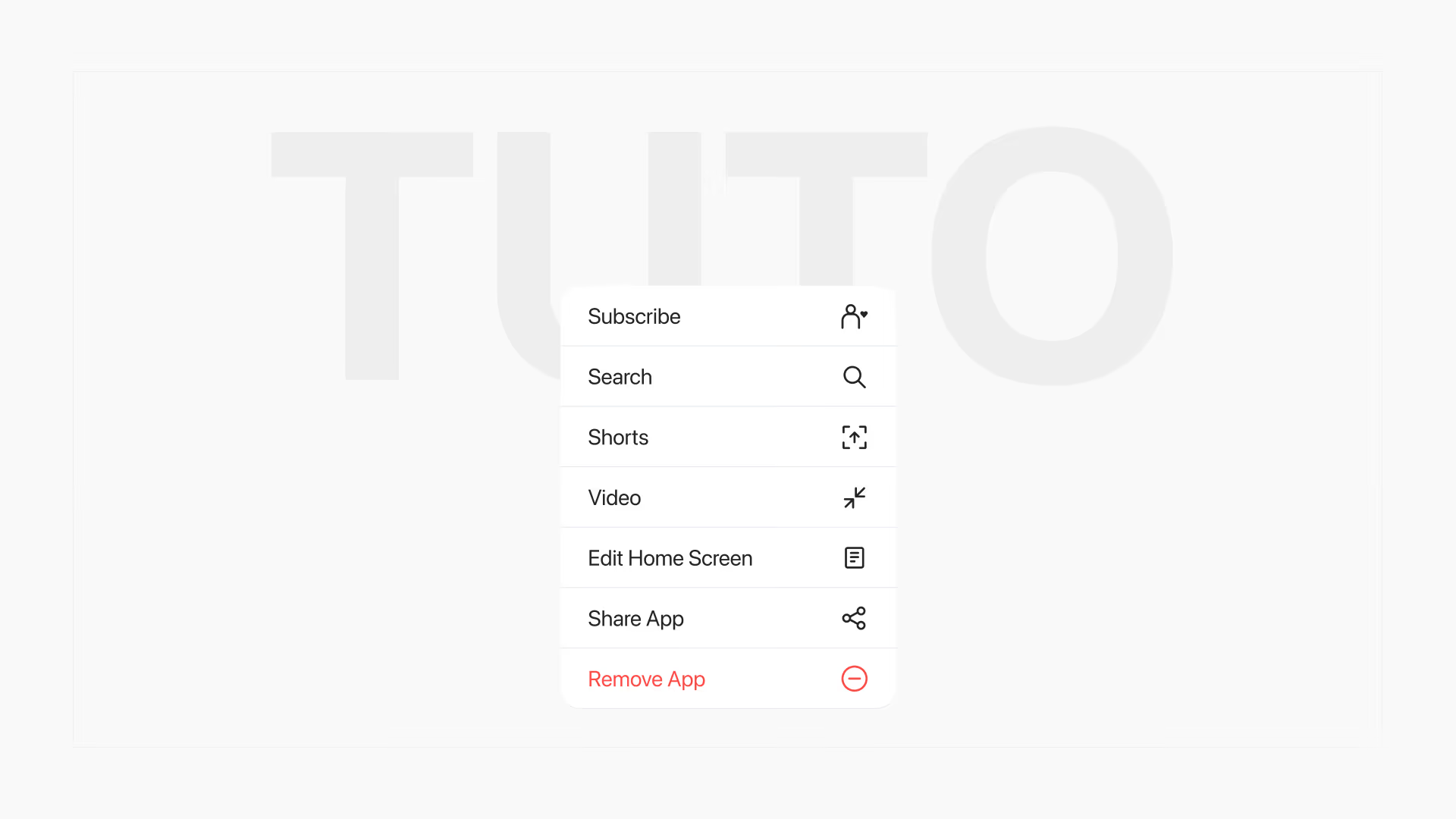
iOS Home Screen Quick Actions: intercept users before they delete your app
Since iOS 13, a long press on the icon opens a menu where you can add up to 4 actions, including a form before deletion. The same mechanic is implemented in React Native and in Swift.

AI integration in your mobile app: what you need to know
Integrating AI into a mobile app means calling Azure, OpenAI, or Google Cloud, not training a model. Responses take 1 to 8 seconds, and API keys never go through the client.